The Stockimus brand kit.
The logo, the wordmark, the colours and the type. Free to use when you write about Stockimus, list it, or build on it. Please keep the robot as it is drawn.
01Logo









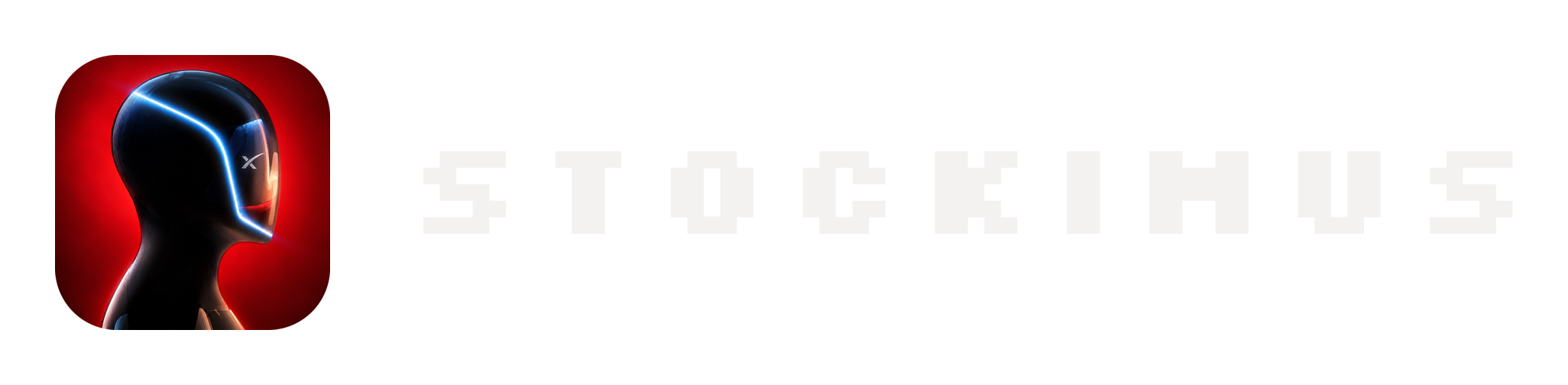




The logo is the Optimus head on Optimus Red; the wordmark is STOCKIMUS set in Silkscreen and converted to outlines, so the SVGs are vector and scale to any size. The rounded logo, wordmark and lockup PNGs have transparent backgrounds; the square logo and the banner are solid.
02Colour
Click a colour to copy its hex. There is one accent: red on near black is the brand, and blue belongs to the pToken. Use the red for what matters, not for decoration.
03Type
All three are free under the SIL Open Font Licence, and this site serves its own copies.
04Usage
DO
- Leave clear space around the logo of at least a quarter of its width.
- Use the white wordmark on dark backgrounds and the black one on light ones.
- Use the one-colour wordmark when you can only print one colour.
- Write the name as Stockimus in sentences, STOCKIMUS in the wordmark and $STOCKIMUS for the coin.
DON'T
- Recolour, crop or redraw the robot, or swap the red for another colour.
- Stretch, rotate, outline or skew the logo or the wordmark.
- Set the wordmark in another typeface.
- Put the logo on a busy photo without a solid panel behind it.
Press, listings or partnerships: @PayStockimus on X.